How to Create a Job on Optymatch?
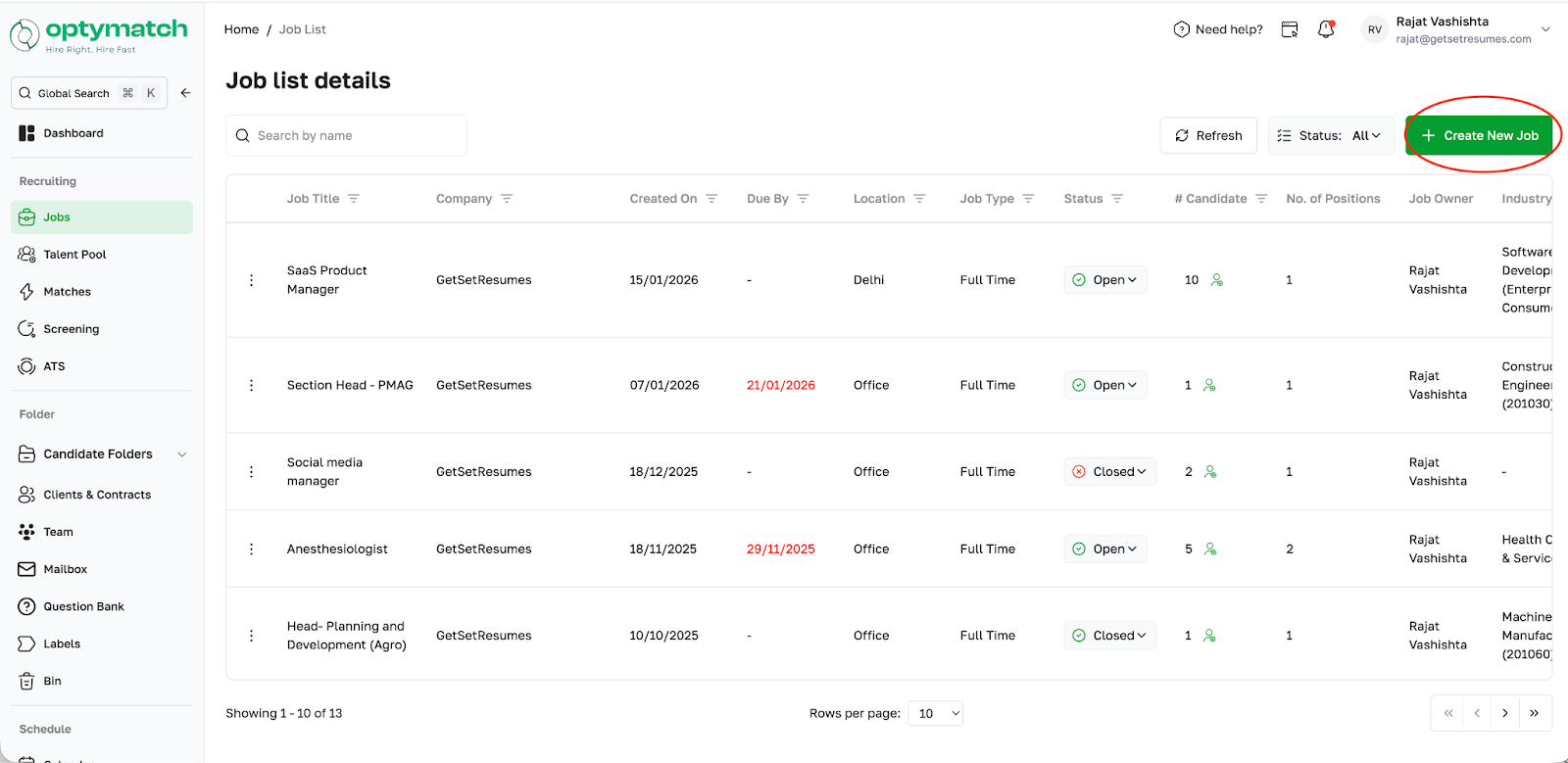
To create a new job on Optymatch: Go to Job and click on the option to create a new job Enter the job title (e.g., "Hiring Content Writer") Once created, you can add candidates to that job from the Talent Pool
To create a new job on Optymatch:
- Go to Job and click on the option to create a new job
- Enter the job title (e.g., "Hiring Content Writer")
- Once created, you can add candidates to that job from the Talent Pool
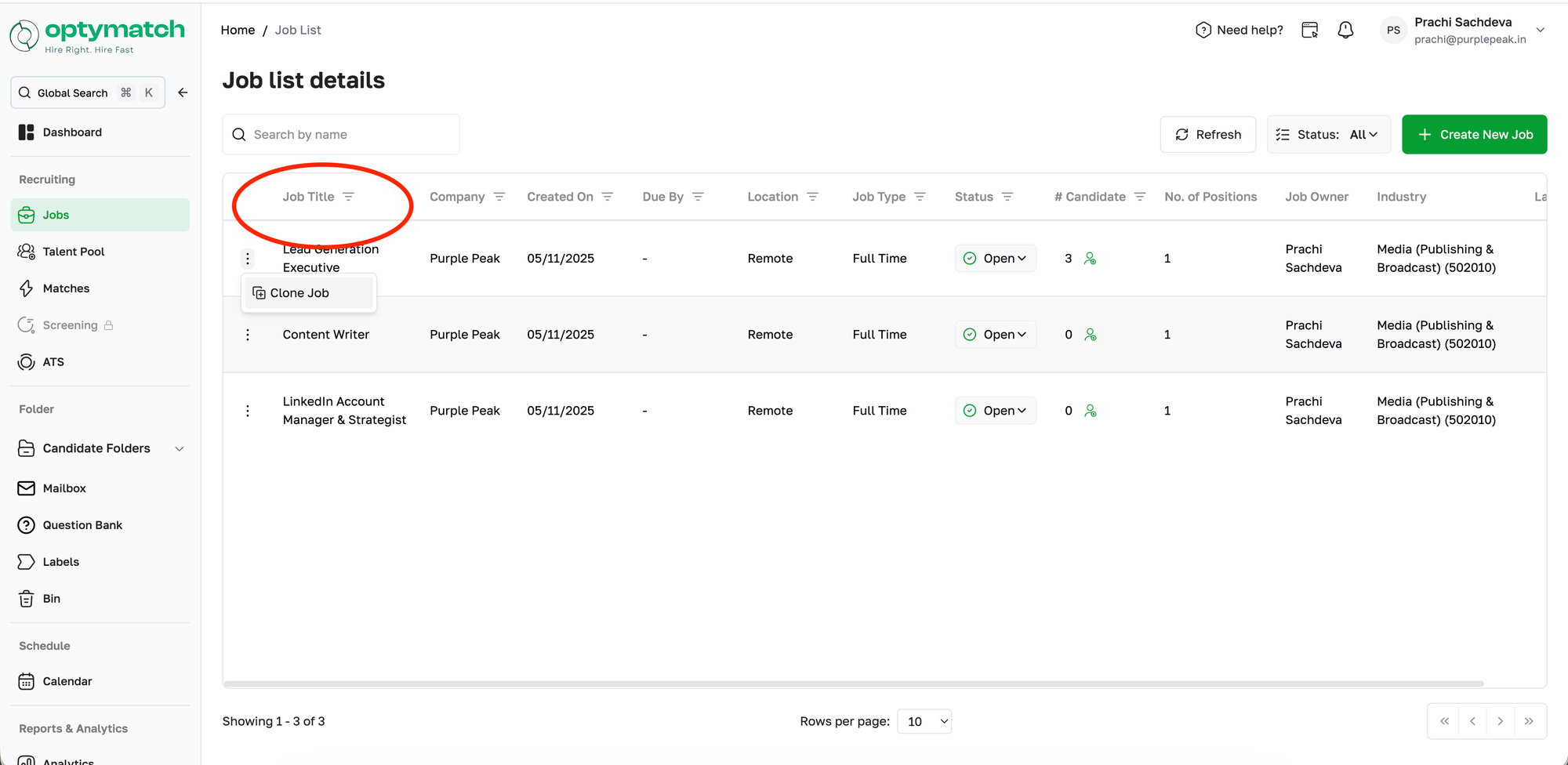
If you are hiring for the same position again (e.g., after 3 months), you can clone an existing job instead of creating one from scratch.
- Cloning copies only the job description; no candidates carry over
- The cloned job starts with zero candidates in the pipeline